A Free Tool to Add Video Captions in Your Browser
A friend needed captions for his business videos, so I built a free browser tool, starting with a local script and some help from FFmpeg.
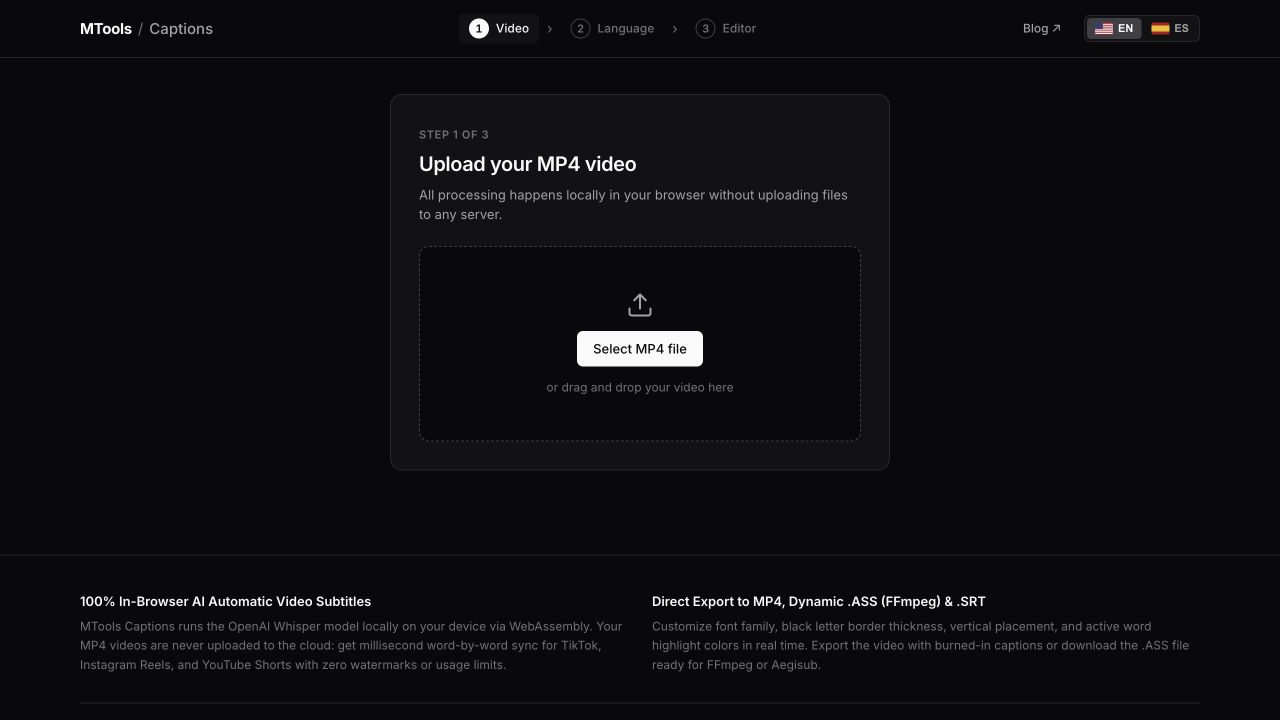
A friend of mine was starting to post videos as part of a marketing campaign for his business, and he needed a simple way to add captions. He didn’t want to download something like CapCut or pay for another tool just to put text on a video, so I started looking into what we could use.
A while ago I’d worked on a project for a company where adding captions was one part of a much bigger system. So I already knew it was possible, but that solution had a bunch of business logic around it that my friend didn’t need. Taking that as the starting point would have made this more complicated than it needed to be, he just wanted to get his videos ready to post.
Starting with a local script
I went looking for the simplest way to do it and ended up with a script that ran everything locally, using FFmpeg to burn the captions into the video. That means the text becomes part of the video itself, so you can post the exported file without having to deal with a separate subtitle file.
What surprised me was how much of this was already possible with open-source tools that have been around for years. I knew about FFmpeg, I’d even worked on something related before, and I still came out of this thinking I should spend more time looking at what these tools can actually do 😅.
AI helped a lot with that part. Being able to describe what I wanted and get pointed towards the tools and options that already existed made it much easier to try things out. There’s a lot of software out there that I’d probably never come across on my own, or that I’d recognize by name without knowing it could solve the problem I had.
Making it easier to share
The script worked for me, but I wanted my friend to be able to use it whenever he needed to add captions to another video. Giving him a script to install and run wasn’t really what he was asking for in the first place, so I ended up turning it into a website.
It’s up at captions.tools.matiassalles99.codes, and it’s completely free. You pick a video, choose English or Spanish, and let it generate the captions. Then you can fix any words it got wrong, change how the text looks and download the video with the captions on it.
The web version uses Whisper for the transcription, running locally in the browser through Transformers.js. The first time you use it, it needs to download the model, but your video stays on your machine. The browser also handles rendering the captions onto the exported video, so I don’t need a server processing everyone’s files to keep this running.
I built it because my friend needed it, but since it’s already online I figured I’d share it here in case someone else needs to add captions to a video too.